May 24, 2026
Running NVIDIA SANA-WM on RTX 5090 and H100
Comparing NVIDIA's SANA-WM world model video generation on RTX 5090 (32GB) vs H100 (80GB) GPUs — with walkthrough videos, 360° panoramas, and generation benchmarks.
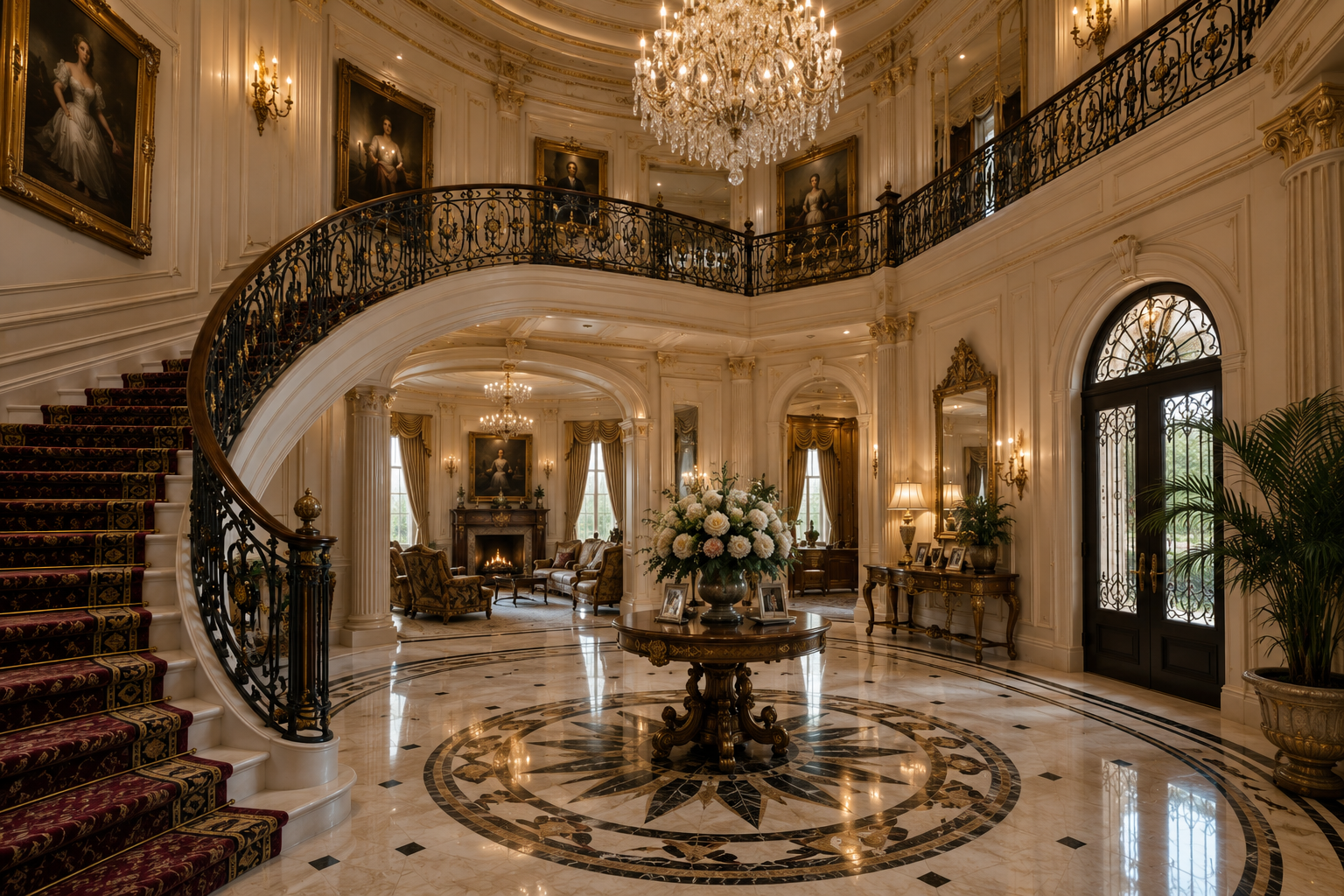
NVIDIA SANA-WM is a 2.6B-parameter open-source world model that generates minute-scale 720p videos with precise 6-DoF camera control. Unlike standard text-to-video models, SANA-WM takes a single image and camera trajectory as input, producing immersive first-person walkthrough videos.
We tested SANA-WM on two GPU configurations:
- RTX 5090 (32GB VRAM) — RunPod community cloud
- H100 SXM (80GB VRAM) — RunPod secure cloud
Our orchestration framework sana_WM handles the full setup, inference, and result download over SSH from a local WSL environment.
Input Images
We used four diverse scenes to test SANA-WM’s capabilities:
Mansion — Grand interior entrance

Hiking Trail — Mountain forest path
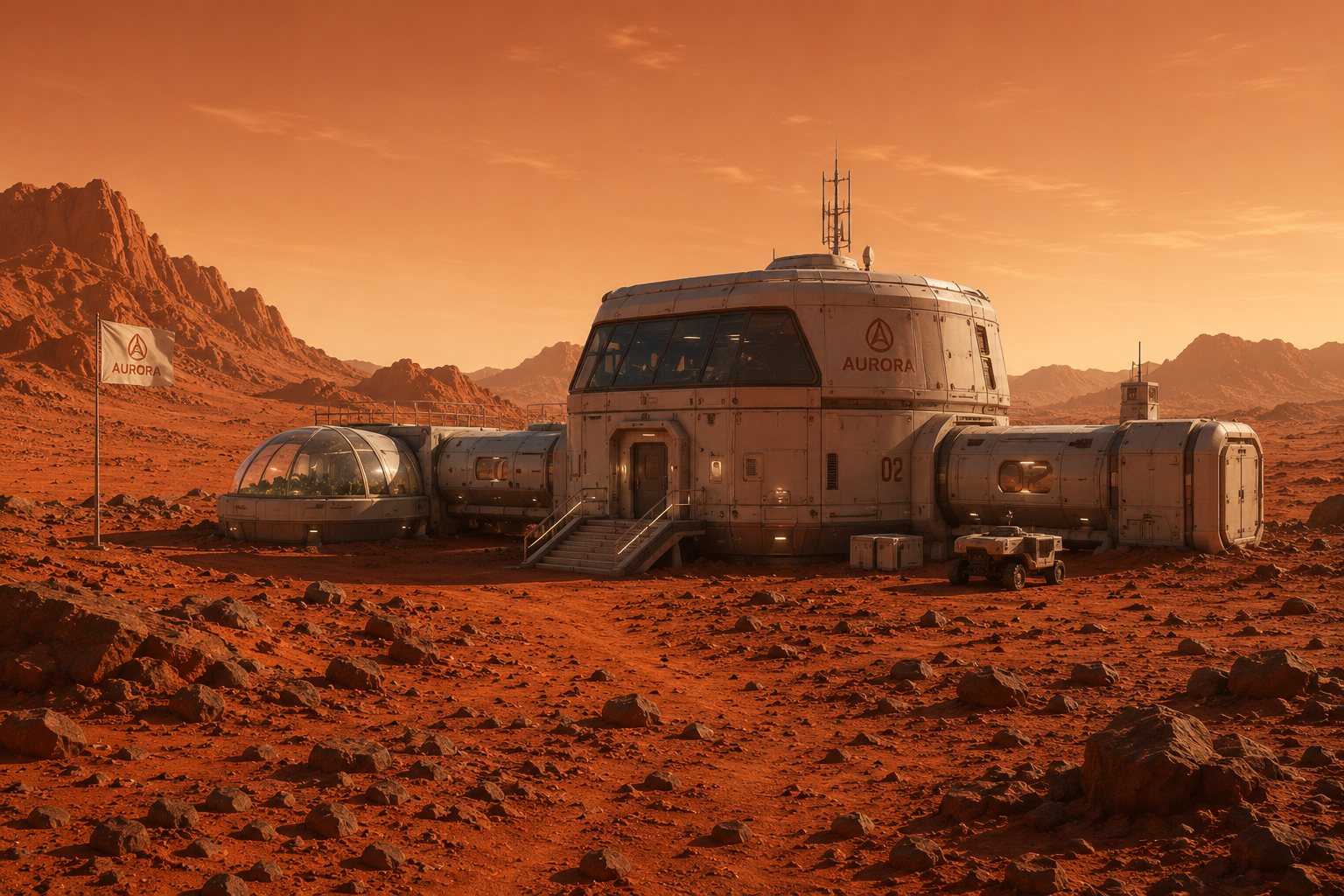
Mars Outpost — Futuristic research station
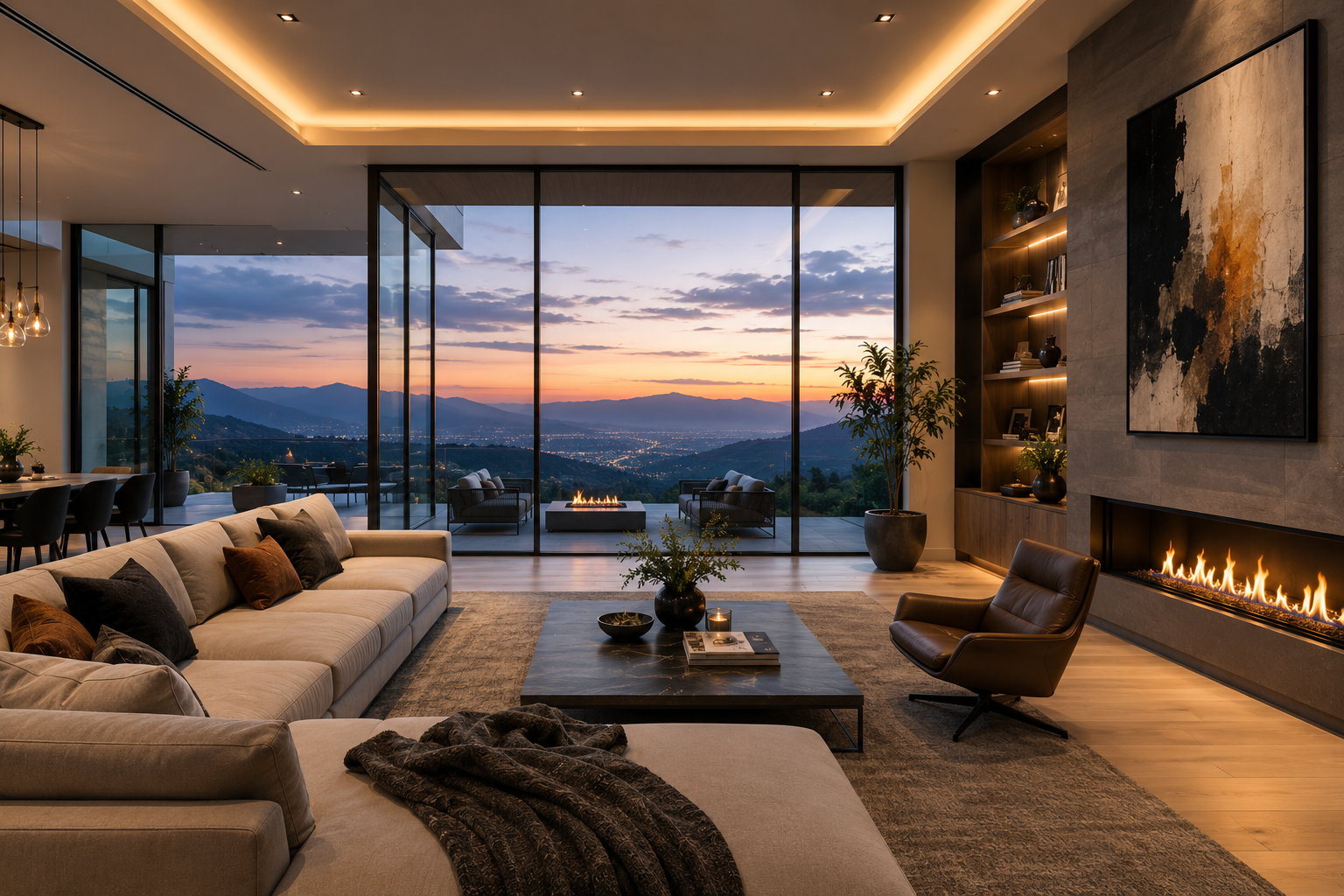
Modern House — Minimalist interior
RTX 5090 Results (32GB VRAM)
The RTX 5090 can only run stage-1 generation due to VRAM constraints. The second-stage refiner (which requires ~75GB VRAM) must be disabled using --no_refiner --offload_vae.
Mansion Walkthrough — Progressive Duration Test
5 Seconds (81 frames)
Prompt: “Cinematic first-person walk through grand mansion entrance” | Action: w-40 | Gen time: ~35s
10 Seconds (161 frames)
Prompt: “Cinematic first-person walk through grand mansion entrance” | Action: w-80,d-40,w-40 | Gen time: ~1m 15s
20 Seconds (321 frames)
Prompt: “Cinematic first-person walk through grand mansion entrance” | Action: w-100,d-30,w-60 | Gen time: ~3m 30s
Why RTX 5090 Fails at 30+ Seconds
Attempting 30-second generation (481 frames) on RTX 5090 results in CUDA Out of Memory:
torch.OutOfMemoryError: CUDA out of memory.
Tried to allocate 1.2 GiB. GPU has 31.74 GiB total,
28.6 GiB used by model + latents.
Key limitations:
- Stage-1 only (no refiner) → visible artifacts and temporal drift
- 32GB VRAM exhausted at ~400 latent frames
- Longer videos show increasing blur and scene morphing
H100 Results (80GB VRAM)
The H100 SXM runs the full two-stage pipeline including the 17B-parameter refiner, producing significantly higher quality output.
Mansion Walkthrough — Progressive Duration Test
5 Seconds (81 frames) — With Refiner
Prompt: “Cinematic first-person walk through grand mansion entrance” | Action: w-40 | Gen time: ~1m (stage-1: 31s, refiner: 1s)
10 Seconds (161 frames) — With Refiner
Prompt: “Cinematic first-person walk through grand mansion entrance” | Action: w-80,d-40,w-40 | Gen time: ~2m (stage-1: 55s, refiner: 5s)
30 Seconds (481 frames) — With Refiner ✓
Prompt: “Cinematic first-person walk through grand mansion entrance” | Action: w-100,d-20,w-100,a-20,w-100 | Gen time: ~4m (stage-1: 1m 45s, refiner: 14s)
Key improvements over RTX 5090:
- ✅ Sharper textures with refiner
- ✅ Reduced temporal drift
- ✅ 30-second generation possible
- ✅ Better scene consistency
H100 — Other Scenes (20 Seconds)
Hiking Trail
Prompt: “First-person hike along mountain trail with forest views” | Action: w-100,a-10,w-60 | Gen time: ~2m
Mars Outpost
Prompt: “Approach to futuristic Mars research station on red planet surface” | Action: w-120,d-20,w-40 | Gen time: ~2m
Modern House
Prompt: “Smooth forward walk through modern minimalist house interior” | Action: w-80,d-15,w-80 | Gen time: ~2m
Experimental: Long-Duration Video (40s)
We attempted a 60-second Mars interior walkthrough, but hit OOM during the refiner stage (~80GB required for 961 latent frames). Reducing to 40 seconds (641 frames) succeeded.
Mars Interior — 40 Seconds
Prompt: “First-person camera approach to Mars outpost entrance, door slides open revealing modern interior lounge with panoramic windows, glide through living area toward open-plan kitchen, pan right to wall-mounted board with sticky notes” | Action: w-150,d-30,w-100,d-60,w-100 | Gen time: ~5m
60s OOM Analysis:
VRAM breakdown for 60s (961 frames):
- Stage-1 model: ~15GB
- Refiner (17B LTX-2): ~25GB
- 961 latent frames: ~40GB
- Total: ~80GB (at limit!)
Experimental: 360° Panoramic Rotation
We tested whether SANA-WM could generate a stationary 360° rotation — the camera fixed in place, rotating to reveal the full environment.
Hiking Trail — 360° Attempt
Prompt: “Stationary camera fixed at one point on mountain hiking trail, smooth 360-degree panoramic rotation revealing complete surrounding environment, seamless circular sweep returning to exact starting viewpoint with no forward or backward movement” | Action: d-90,d-90,d-90,d-90
Modern House — 360° Attempt
Prompt: “Stationary camera positioned in center of modern minimalist house interior, smooth 360-degree panoramic rotation from fixed viewpoint, revealing complete open-plan layout, seamless circular sweep returning to exact starting position with no camera movement” | Action: d-90,d-90,d-90,d-90
Why 360° Rotation Fails
Both attempts show the camera drifting horizontally rather than rotating in place:
- Training data bias: SANA-WM was trained primarily on egocentric walkthrough videos (forward movement + turns), not tripod-style panoramas
- Action string semantics: The
d-Naction encodes “turn right N degrees while walking” — there’s no pure “rotate in place” primitive - Temporal model limitations: The model hallucinates forward motion to maintain temporal coherence with its training distribution
Workaround: For true 360° panoramas, consider NVIDIA Lyra 2.0 which explicitly supports orbital trajectories.
Summary: RTX 5090 vs H100
| Metric | RTX 5090 (32GB) | H100 SXM (80GB) |
|---|---|---|
| Max video duration | ~20s | ~40s |
| Refiner enabled | ❌ No | ✅ Yes |
| Typical quality | Blurry, drift | Sharp, stable |
| Cost (RunPod) | ~$1.50/hr | ~$3.00/hr |
| 20s video cost | ~$0.10 | ~$0.10 |
| Best use case | Quick tests | Production |
Recommendation: Use H100 for any video over 10 seconds or where quality matters. RTX 5090 is viable for rapid prototyping under 20 seconds.
Getting Started
Full setup instructions and config examples: github.com/tech-microcosm/sana_WM
# Clone and configure
git clone https://github.com/tech-microcosm/sana_WM.git
cd sana_WM
cp .env.example .env
# Edit .env with your RunPod pod IP and SSH port

# Run inference
python main.py infer -c config/examples/mansion_wm_simple.yaml \
    --host <pod-ip> --port <ssh-port>